Turn any image into a bead pattern
Your photo.
Pixel-perfect beads.
Turn photos, drawings and pixel art into Hama, Perler and Artkal patterns in seconds. Pick your size, match real bead colours and get a chart with exact counts — all in your browser.
- 100% privateRuns in your browser
- No sign upGet started instantly
- Made for makersFree to use
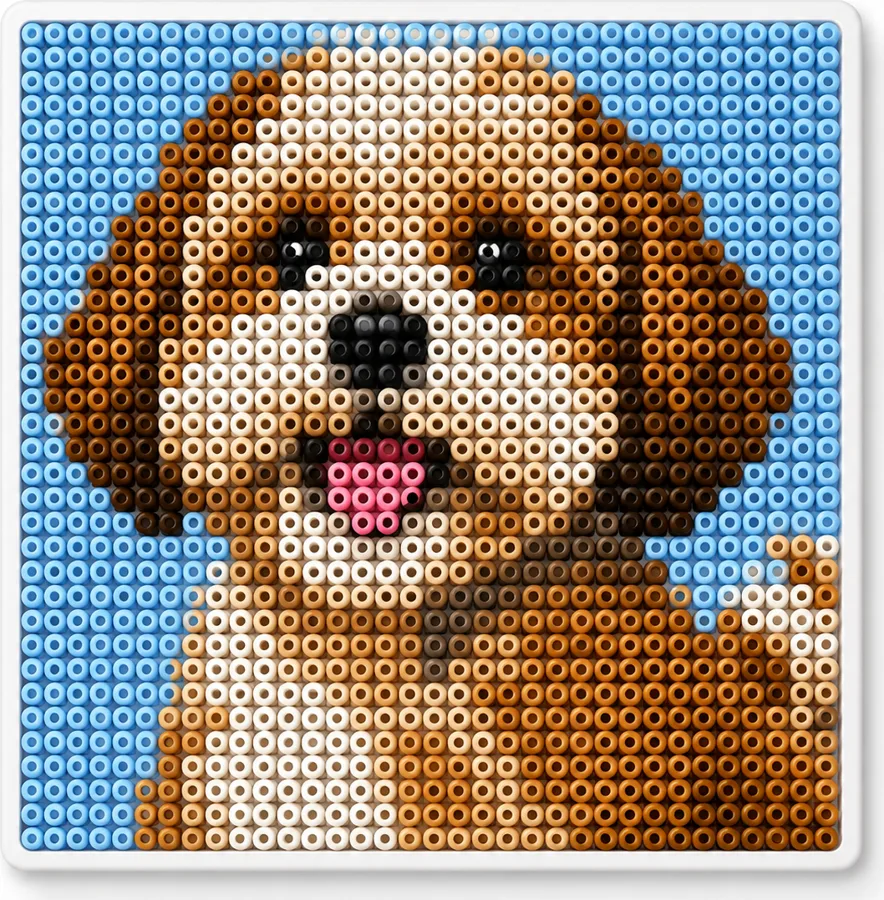
Colour summary
- H46Pastel Blue684
- H02Cream584
- H75Tan482
- H12Brown276
- H21Light Brown170
- H06Pink108
Total beads2,304
How it works
1Upload your image
Drop a photo, logo or pixel art. PNG, JPG and WebP all work.
2Choose your settings
Pick your bead brand, pattern size and colours. Preview in real time.
3Get your pattern
Download the chart with bead counts and start making!
Real bead colours
Accurate matching to Hama, Perler and Artkal palettes, with the codes on the bag.
Any size you need
From tiny keychains to wall art — up to 200 beads per side, or whole pegboards.
Smart charts
Exact bead counts, colour legends and pegboard layouts, page by page.
Print or export
Print high-quality charts or export a PDF to follow offline.
Popular pattern ideas
View all patterns →





Pixel art templates
Start with ready-made pixel art and make it your own.




From pixel art to beads
Create in the pixel art editor, then open it in the bead editor with one click to get exact bead counts and charts.
Guides & tutorials
Learn new skills and get the most out of Pixabead.
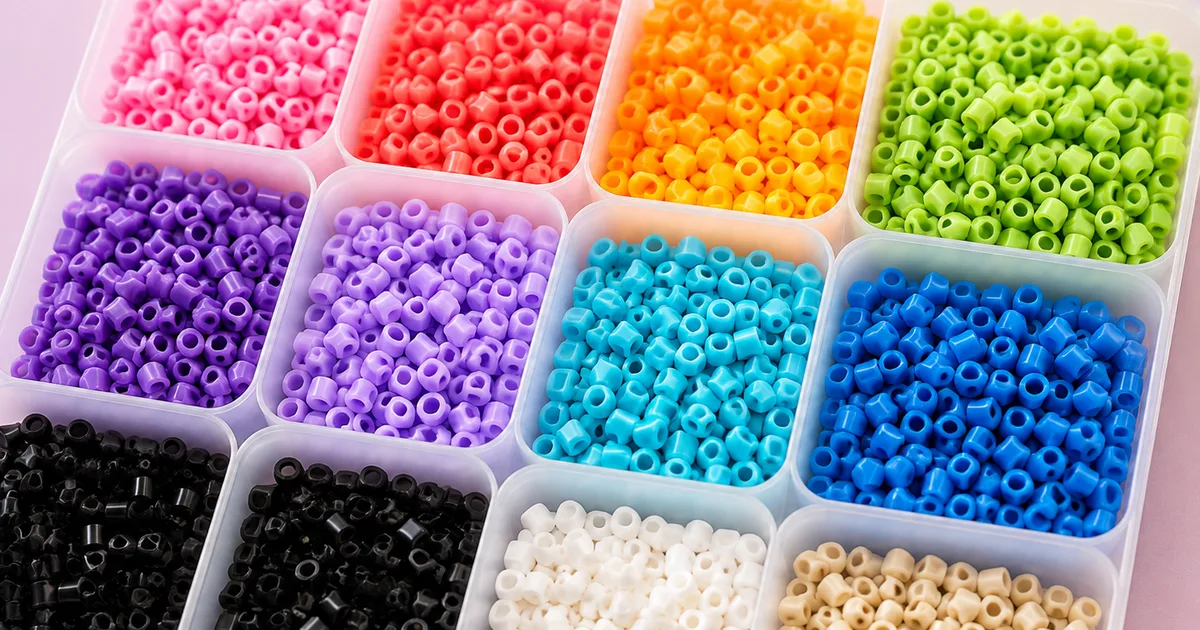 What are Perler beads? Sizes and brandsWhat Perler beads are, how midi, mini and maxi sizes differ, how Hama, Perler, Artkal, Nabbi and Pyssla compare, and what to buy for a first project.Beginner guides
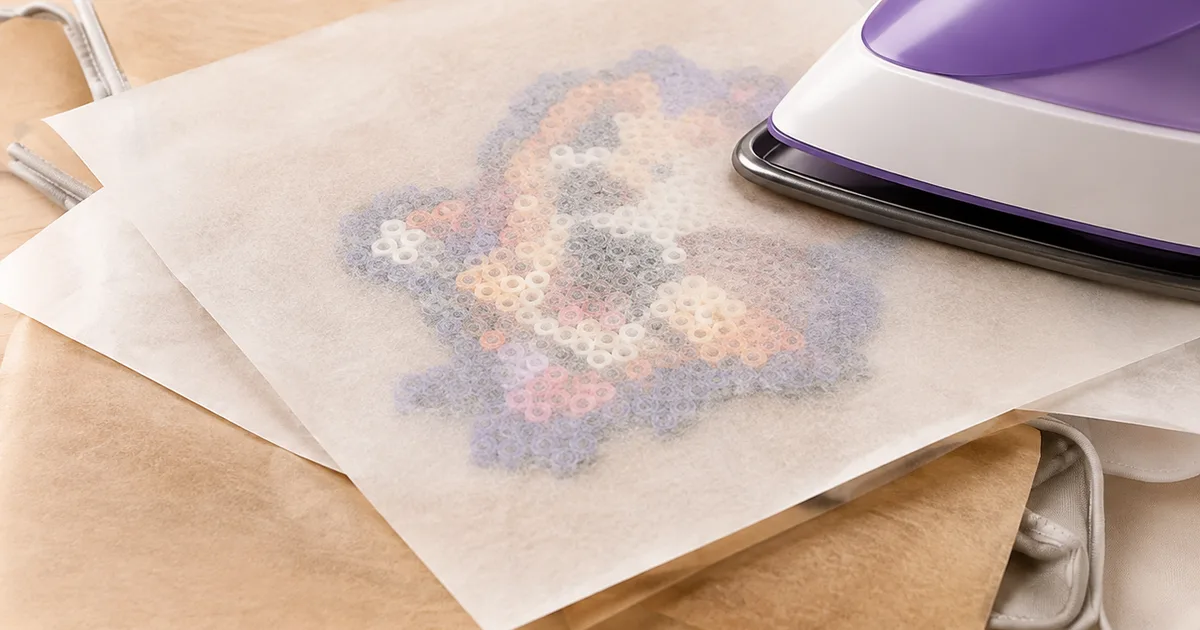 How to iron Perler beads: temperature and timeHow to melt Perler beads without ruining them: iron temperature, how long to press, parchment paper, one side or two, and cooling flat.Ironing & finishing
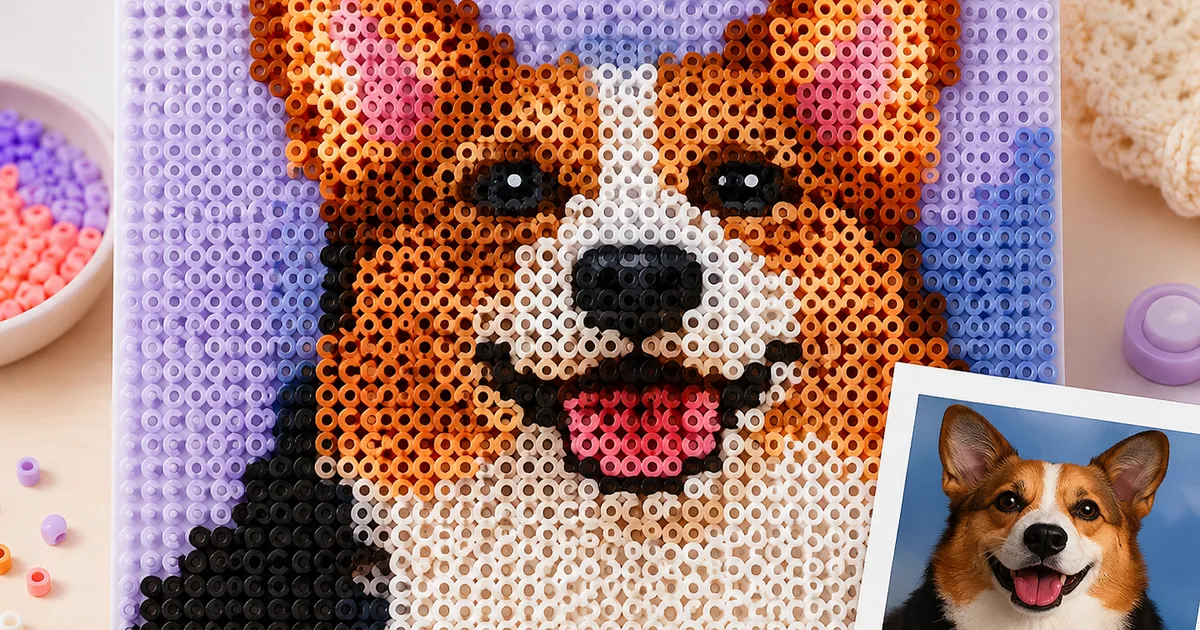 How to turn a photo into a bead patternTurn any photo into a Perler or Hama bead pattern: choosing a size in beads, how many colours to keep, when dithering helps, and how to drop the background.Photo to beads
Create your own
Three free tools, no sign-up: convert a photo, draw beads or draw pixels.
 Photo to bead pattern
 Bead pattern editor
 Pixel art editor
Drop in a photo, a logo or a piece of pixel art and this bead pattern maker rebuilds it out of real beads. The converter resizes your image to the number of beads you actually want to place, matches every pixel to the closest colour in a real palette — Perler, Hama Midi, Artkal S, Nabbi or Pyssla — and hands back a grid you can follow peg by peg. Nothing is uploaded anywhere: the image is processed inside your browser, so a photo of your kids never leaves your laptop.
It works as a general image to pixel art converter too. Choose a width in beads, limit the palette to the colours you already own, turn dithering on for photographs or off for flat illustrations, and preview the result at any zoom. When the pattern looks right, print the chart or export a PDF that lists the bead count for every colour code, so you know before you start whether you have enough black or need one more bag. Perler bead patterns, Hama templates and Artkal charts all come out of the same converter — free, in the browser, with no account to create.
Frequently asked questions
Is the bead pattern maker really free?
Yes. Every conversion, the on-screen chart and the printable PDF are free, with no account, no watermark and no export limit. The tool runs inside your browser, so there is no image for us to store and nothing to charge you for.
How big should my pattern be?
A standard square pegboard holds 29×29 beads, so 29 is the safe default for a single board. Larger designs simply span several boards: 58×58 is four boards, 87×87 is nine. Keep faces above 40 beads wide or the details disappear.
Which bead brands are supported?
Hama Midi, Perler, Artkal S, Nabbi and IKEA Pyssla, each with its official colour codes, plus a generic 64-colour palette. Pick your brand before converting so the chart lists codes you can actually buy, such as H01 or P18.
How many colours should I use?
Between 12 and 24 colours suits most photographs. Fewer colours give a cleaner, more graphic result and a shorter shopping list; more colours capture skin tones and gradients but make the chart slower to follow while you place beads.
Can I print the pattern or save it as a PDF?
Yes. The PDF holds the numbered grid, the colour legend and the bead count per code, sized for both A4 and Letter. Print it and tick colours off as you go, or keep it open on a tablet next to the pegboard.